Add the NZSG Membership Link to Phone Home Screen: A Step-by-Step Guide for Android and Mac Users
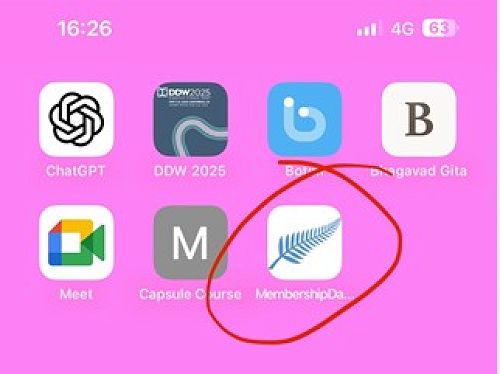
Welcome New Zealand Society of Genealogists (NZSG) members! Want easy access to the NZSG membership platform on your phone's homepage? Follow these simple steps:
For Android Users:
Open the internet browser on your phone.
Visit the NZSG website and log in to your account.
Tap on the three dots at the top right corner of the browser.
Select Add to Home Screen from the drop-down menu.
Customize the name for the link (e.g., NZSG Membership).
Tap Add to place the link on your home screen.
For Mac Users:
Open the Safari browser on your iPhone or iPad.
Go to the NZSG website and log in to your account.
Tap the share icon at the bottom of the screen (square with an arrow).
Scroll down and select Add to Home Screen.
Edit the name of the link and tap Add to save it to your home screen.
By following these steps, you can easily access the NZSG membership platform with just one tap on your phone's home screen. Enjoy seamless and convenient access to NZSG information.
Gallery
Related Articles
MCNZ - Professional Standards for Physician Associates
Share your feedback - closes Thursday 16 July
NZSG Exec Strategic Planning Day
In late July the NZSG Executive Committee will be meeting to consider the Strategic Plan for 2027 to 2032